Ultra-fast tool search
Tebis 4.1 Release 11 delivers another major performance boost visible in many key areas of the system. Work becomes smoother, response times are shorter, and searching and loading data is significantly faster.
This acceleration includes library information, NCJobs, variables and geometry. It is especially noticeable when searching for tools in the tool library and in the NCJob.
Tools can be searched by properties such as programming length, diameter or tool type, or by any text string. The result: more transparency, full control and faster decisions in day-to-day work.

Optimized robot machining
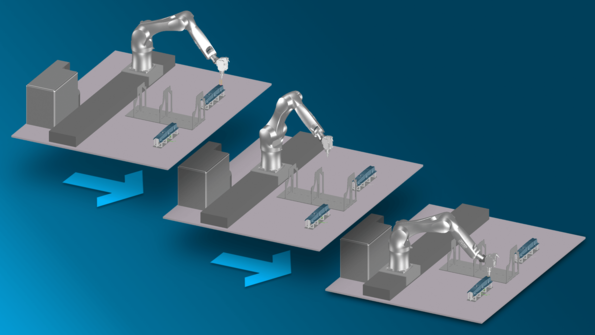
Release 11 significantly expands robot machining in Tebis. In the virtual CAD/CAM environment, the entire machining process can be monitored and controlled reliably, including the workspace and all movements.
The software supports robots with up to 6 axes and 2 additional axes. Robot-specific conflicts such as singularities, reach limits and configuration changes are detected earlier than before.
Simulation has also been extended: besides the actual toolpaths, the system now checks linking movements and tool change movements. This helps detect problems before the process starts on the real machine.
Higher process quality through optimized toolpaths and flexible positioning
Release 11 further expands robot positioning options. Tool axis rotation, robot configurations and additional axis positions can be freely combined and adjusted in a clear, interactive workflow.
New algorithms help generate optimized toolpaths for machining with additional axes as well, for example when using rotary tables or linear axes. This results in smoother movements, greater process safety and better results in complex operations.
Safe laser cutting
Tebis Release 11 extends proven collision avoidance mechanisms to laser cutting and laser cladding as well, protecting the entire process while fully taking the machine head into account.
Critical situations are identified and automatically avoided during calculation, which significantly reduces the need for manual corrections.
If safe avoidance is not possible, the system saves corresponding vectors at the boundaries of collision areas directly in the CAD model. This makes it possible to quickly identify, evaluate and safely resolve problematic areas.